


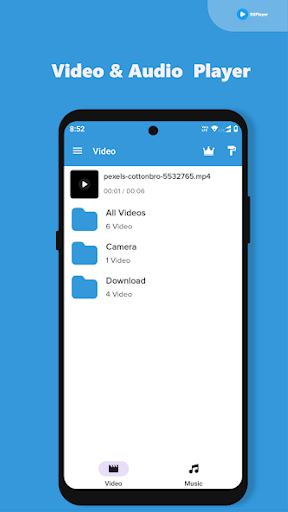
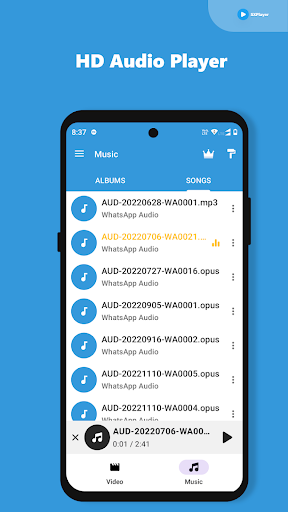
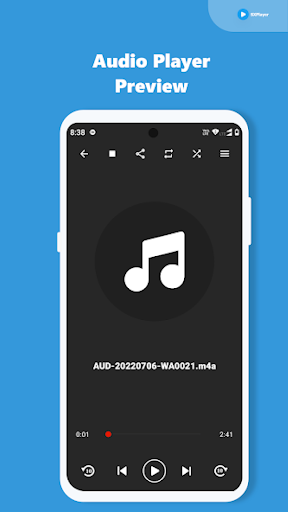
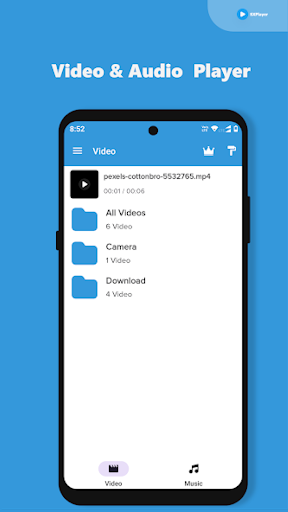
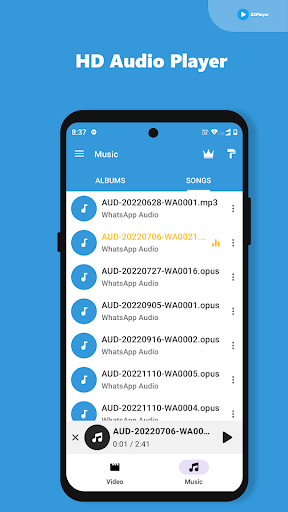
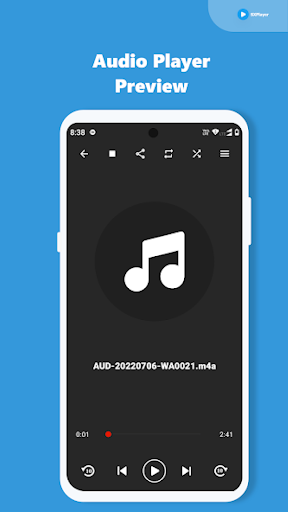
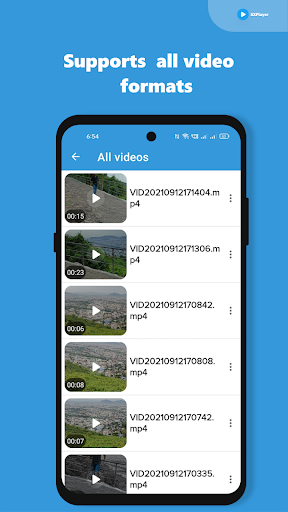
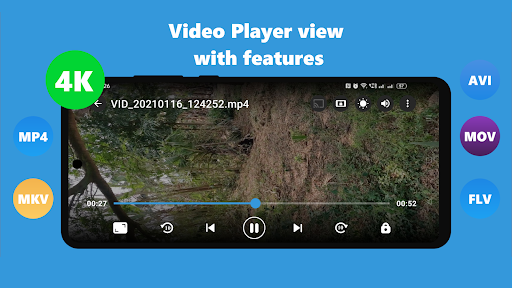
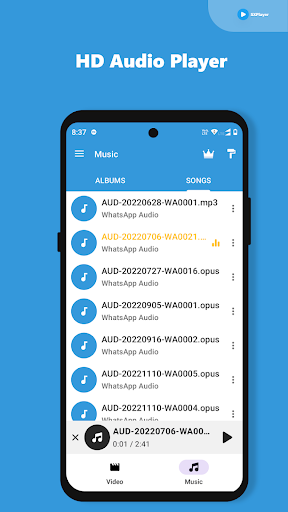
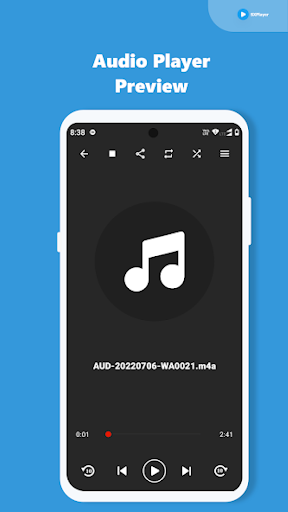
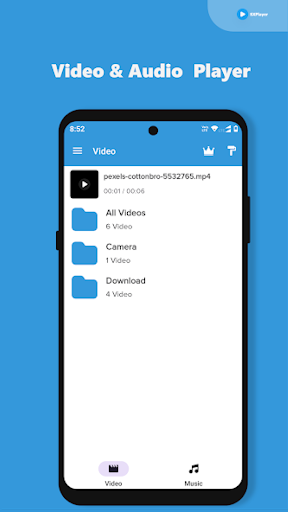
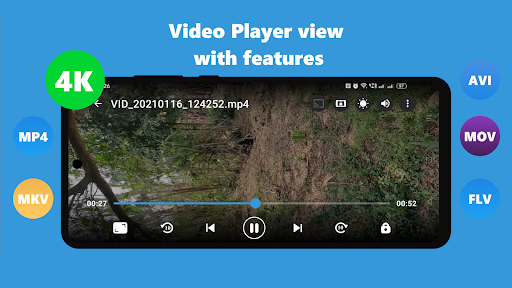
Video Player All Format HD provides a robust solution for playing a wide array of video formats directly on your device. Designed to handle high-definition and ultra-high-definition content, this app eliminates the need for separate codec downloads by including everything necessary for playback. Users can manage and watch their video collection, benefiting from features like multi-track audio and subtitle support, along with the ability to cast content to a TV using Chromecast.
Extensive Format Support and Codecs
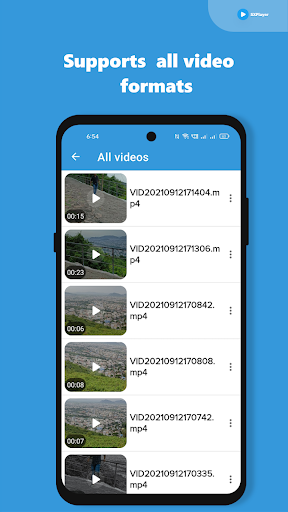
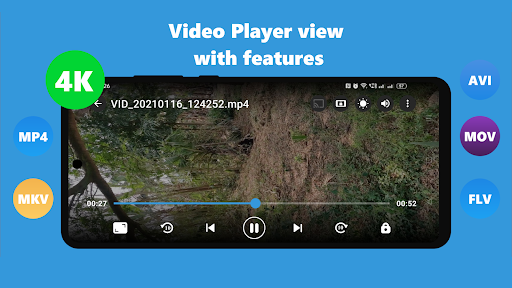
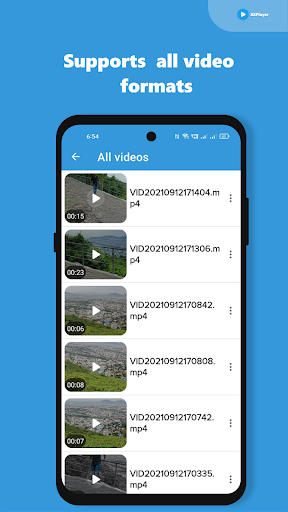
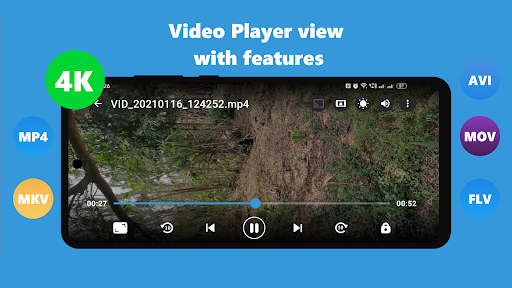
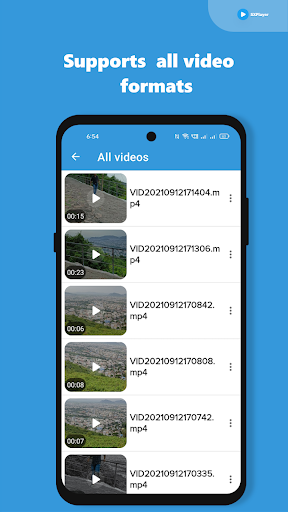
This app is built to play a broad range of video formats, including common types such as MKV, MP4, M4V, AVI, MOV, 3GP, FLV, WMV, RMVB, TS, and WEBM. A key aspect of Video Player All Format HD is its integrated codec support, which means you won’t need to search for or install additional codecs to play different file types. This streamlines the process of accessing your video library, ensuring most files play without extra steps.
Subtitle and Audio Control
The app offers comprehensive control over your viewing experience with support for subtitles, Teletext, and Closed Captions. It can also manage multi-track audio, allowing you to select preferred audio streams when available. For those with external subtitle files, the player recognizes both SRT and TXT formats from your device’s internal storage. Additionally, an integrated subtitle downloader is available, providing a convenient way to find and add subtitles directly within the app.
Playback Features and Casting
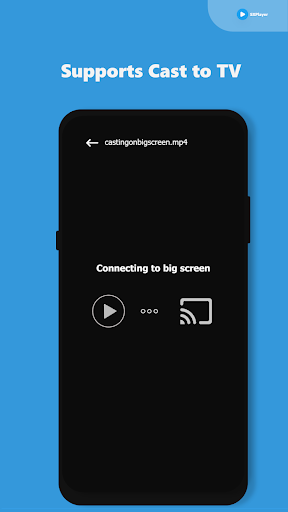
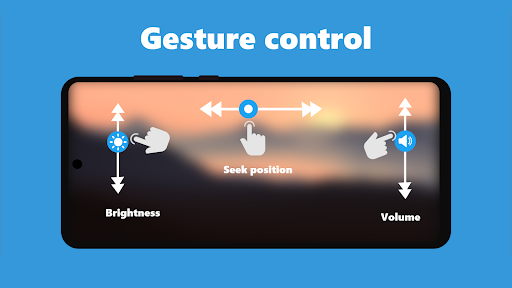
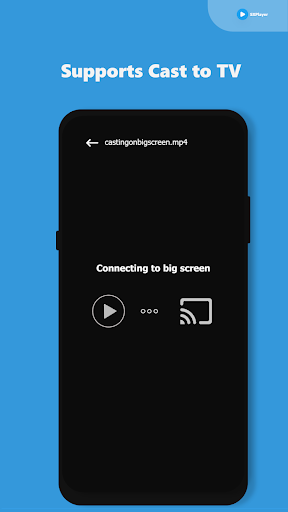
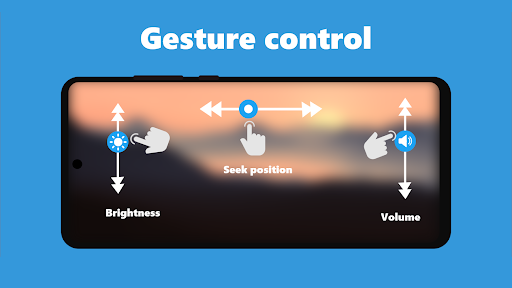
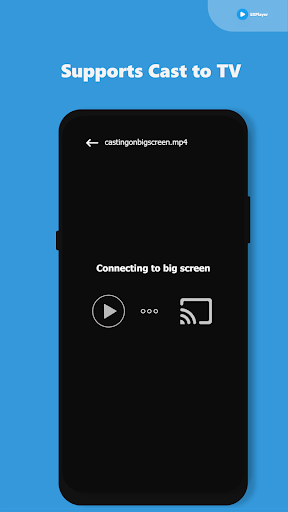
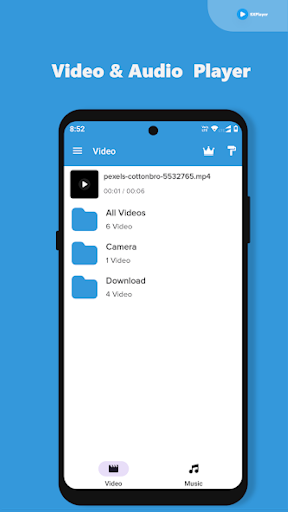
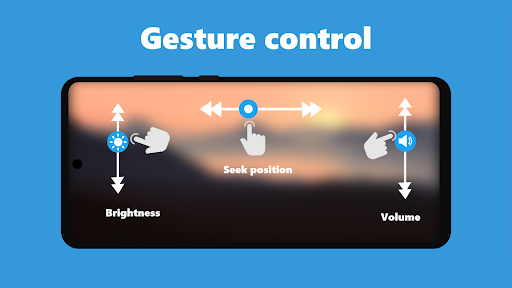
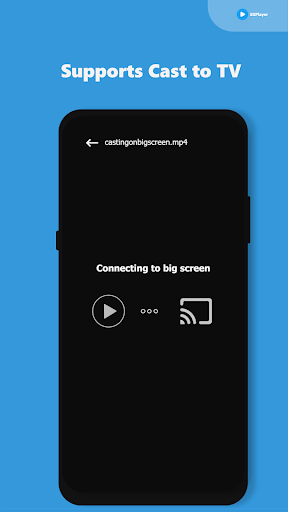
Video Player All Format HD supports Ultra HD video quality, including 4K content, aiming for playback without buffering or delays. During playback, you can lock the screen and controls to maintain focus on your content. The app also includes video swipe gestures to seek new positions within a video. For a larger viewing experience, it supports casting videos to a TV using Chromecast, enabling screen mirroring. You can browse through your device’s folders and files directly within the app, simplifying video management and offering sharing options for specific scenes.










Write a review